> ## Documentation Index
> Fetch the complete documentation index at: https://docs.adoraone.com/llms.txt
> Use this file to discover all available pages before exploring further.
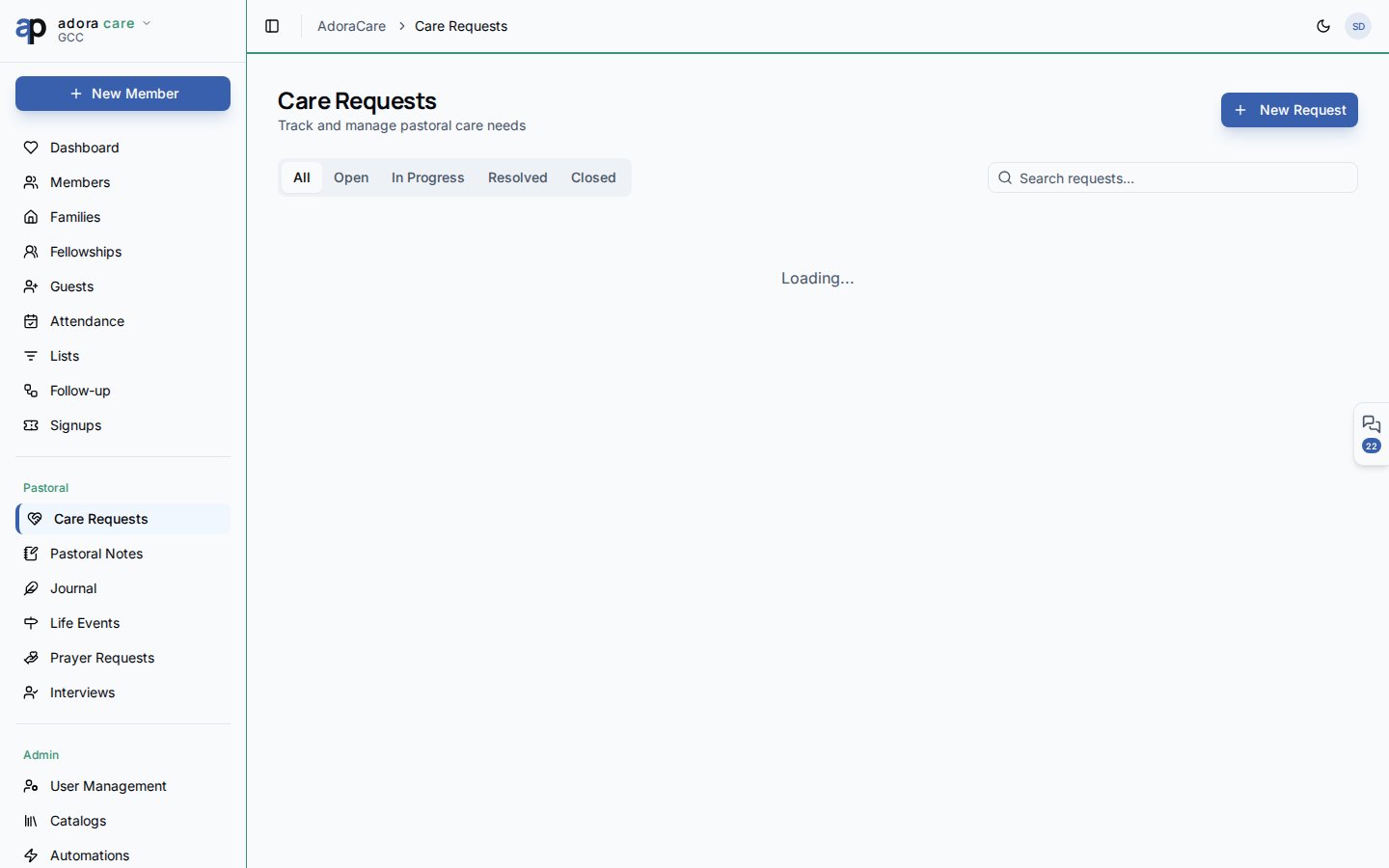
# Care Requests
> Track pastoral care needs — urgency, status, assignments, and links to counseling.
**Care Requests** is the intake desk for practical and pastoral needs — hospital visits, meals, counseling referrals, and crisis support — with clear status tracking from open to resolved.
 ## Quick Start
1. Open **Care → Care Requests**.
2. Scan stat cards for open, in-progress, and resolved counts.
3. Use status tabs (**All**, **Open**, **In Progress**, **Resolved**, **Closed**) to focus the board.
4. Click **New Care Request** to log a need tied to a member.
5. Update status inline as your team responds.
***
## How-to Guide
### Request card fields
| Field | Meaning |
| ----------- | ---------------------------------------------------- |
| **Title** | Short summary of the need |
| **Member** | Who the care is for (optional for anonymous intakes) |
| **Urgency** | Low → Critical — color-coded for triage |
| **Status** | Open, In progress, Resolved, Closed |
| **Source** | Manual entry or workflow automation |
Search filters across title, description, member name, and who submitted the request.
### Status workflow
New request logged; awaiting assignment or first contact.
A care minister or deacon is actively helping.
Need met; `resolved_at` timestamp recorded automatically.
Archived when no further action is required.
### Escalate to AdoraCounsel
When a need requires formal counseling, use **Create Counsel Case** on a request card. The dialog pre-fills member context so the handoff stays confidential and traceable.
Active workflow banners at the top show automations listening for **care request created** — use them to notify teams or create follow-up tasks.
***
## Related
Confidential notes separate from operational care tickets.
Spiritual support alongside practical care.
Member profiles show linked care activity.
## Quick Start
1. Open **Care → Care Requests**.
2. Scan stat cards for open, in-progress, and resolved counts.
3. Use status tabs (**All**, **Open**, **In Progress**, **Resolved**, **Closed**) to focus the board.
4. Click **New Care Request** to log a need tied to a member.
5. Update status inline as your team responds.
***
## How-to Guide
### Request card fields
| Field | Meaning |
| ----------- | ---------------------------------------------------- |
| **Title** | Short summary of the need |
| **Member** | Who the care is for (optional for anonymous intakes) |
| **Urgency** | Low → Critical — color-coded for triage |
| **Status** | Open, In progress, Resolved, Closed |
| **Source** | Manual entry or workflow automation |
Search filters across title, description, member name, and who submitted the request.
### Status workflow
New request logged; awaiting assignment or first contact.
A care minister or deacon is actively helping.
Need met; `resolved_at` timestamp recorded automatically.
Archived when no further action is required.
### Escalate to AdoraCounsel
When a need requires formal counseling, use **Create Counsel Case** on a request card. The dialog pre-fills member context so the handoff stays confidential and traceable.
Active workflow banners at the top show automations listening for **care request created** — use them to notify teams or create follow-up tasks.
***
## Related
Confidential notes separate from operational care tickets.
Spiritual support alongside practical care.
Member profiles show linked care activity.