> ## Documentation Index
> Fetch the complete documentation index at: https://docs.adoraone.com/llms.txt
> Use this file to discover all available pages before exploring further.
# Portal — Family
> Members view household relationships and family roles in the member portal.
**Portal — Family** lets members see which household they belong to, who else is in the family, and each person's role (Head, Spouse, Child, etc.) — read-only data maintained by your care team in AdoraCare.
 ## Quick Start
1. Ensure **Family Management** is enabled under **Settings → Portal**.
2. Link members to a **Family** record in AdoraCare (staff side).
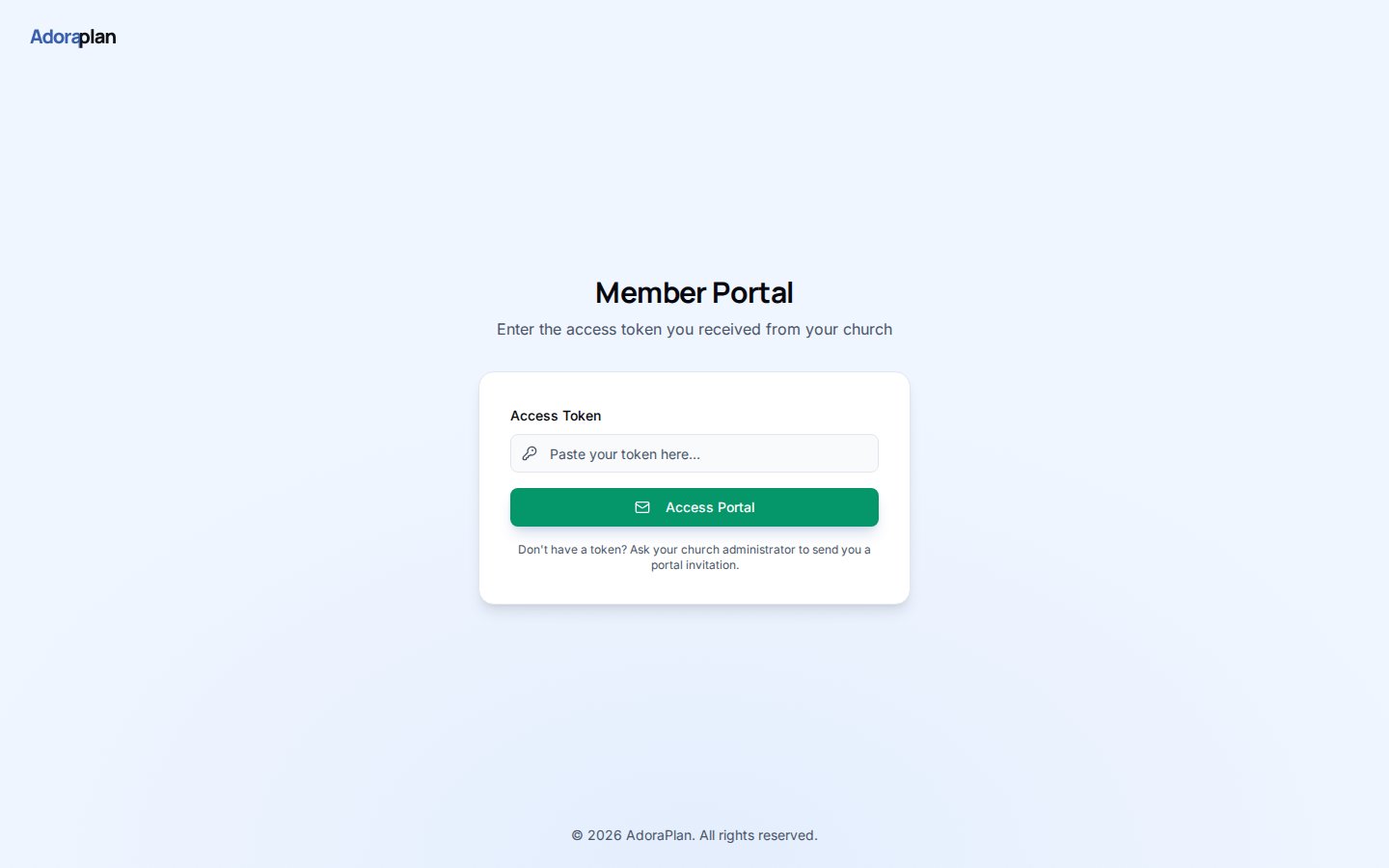
3. Members sign in with their portal token and open **Family** in the portal nav.
4. They see each household they belong to and member roles.
5. Contact changes still happen on **Profile** — family view is informational.
***
## How-to Guide
### What members see
For each household card:
| Element | Source |
| ------------------- | ----------------------------------------- |
| **Family name** | `Families` record in AdoraCare |
| **Members list** | Linked members with role labels |
| **Primary contact** | Badge on the designated head of household |
If a member is not linked to any family, the page explains that no household is on file and suggests contacting the church office.
### Staff responsibilities
Members cannot edit family structure in the portal. Care admins:
1. Create or update **Families** in AdoraCare
2. Assign **roles** and **primary contact**
3. Keep addresses current for map-based care planning
Family data respects portal feature flags — if **Family Management** is disabled, the nav item is hidden even when the token is valid.
***
## Related
Staff-side household management.
Portal login and navigation overview.
Individual profiles linked to family roles.
## Quick Start
1. Ensure **Family Management** is enabled under **Settings → Portal**.
2. Link members to a **Family** record in AdoraCare (staff side).
3. Members sign in with their portal token and open **Family** in the portal nav.
4. They see each household they belong to and member roles.
5. Contact changes still happen on **Profile** — family view is informational.
***
## How-to Guide
### What members see
For each household card:
| Element | Source |
| ------------------- | ----------------------------------------- |
| **Family name** | `Families` record in AdoraCare |
| **Members list** | Linked members with role labels |
| **Primary contact** | Badge on the designated head of household |
If a member is not linked to any family, the page explains that no household is on file and suggests contacting the church office.
### Staff responsibilities
Members cannot edit family structure in the portal. Care admins:
1. Create or update **Families** in AdoraCare
2. Assign **roles** and **primary contact**
3. Keep addresses current for map-based care planning
Family data respects portal feature flags — if **Family Management** is disabled, the nav item is hidden even when the token is valid.
***
## Related
Staff-side household management.
Portal login and navigation overview.
Individual profiles linked to family roles.