> ## Documentation Index
> Fetch the complete documentation index at: https://docs.adoraone.com/llms.txt
> Use this file to discover all available pages before exploring further.
# Portal — Serving
> Members view upcoming roster assignments and confirmation status.
**Portal — Serving** connects worship volunteers to their upcoming assignments — role, program, date, and confirmation status — without needing the full AdoraPlan roster UI.
 ## Quick Start
1. Enable **Serving Schedule** under **Settings → Portal**.
2. Staff rosters members on programs in **AdoraPlan → Roster**.
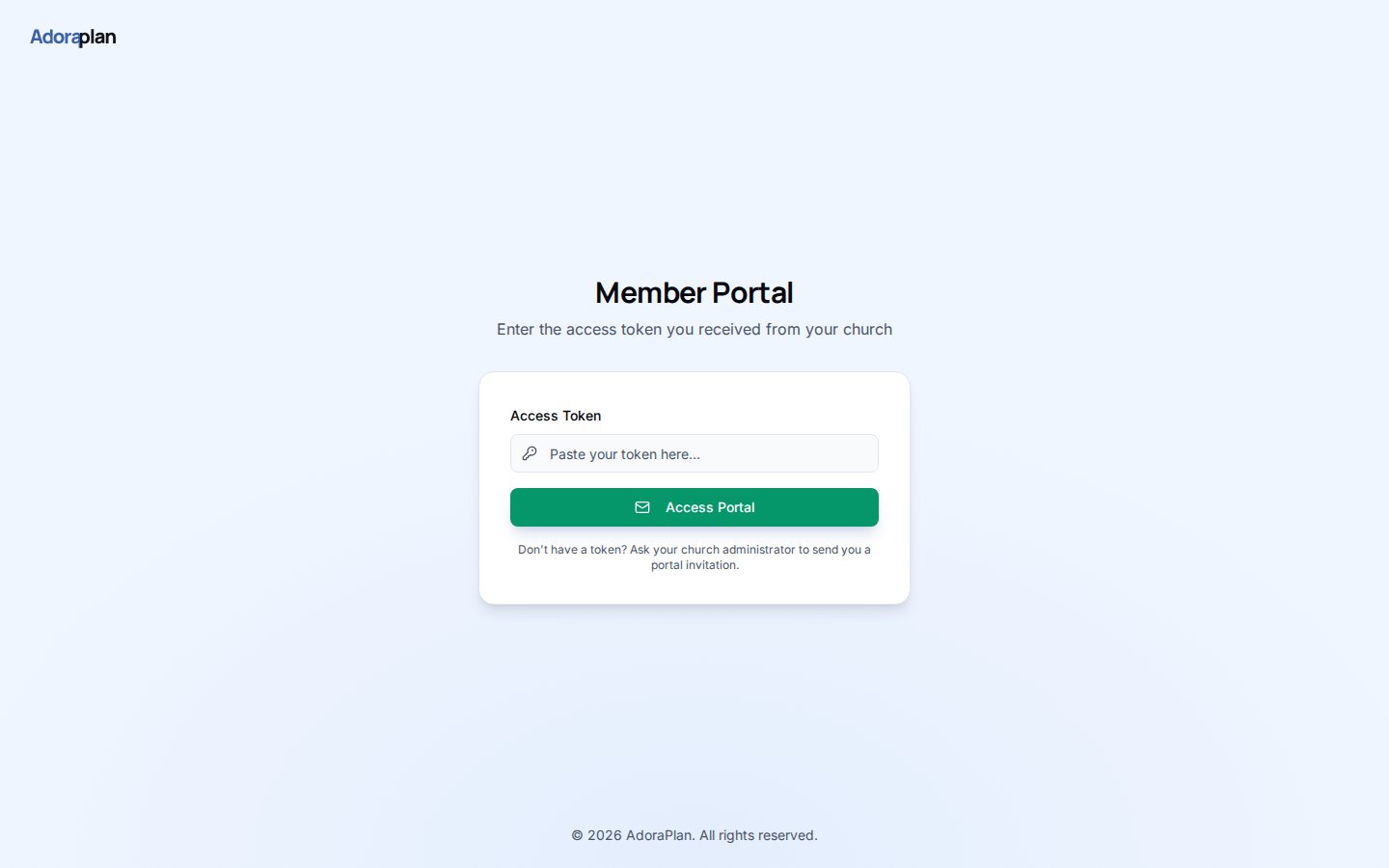
3. Members sign into the portal and open **Serving**.
4. They review upcoming roles and dates.
5. Status badges reflect **Confirmed**, **Pending**, or **Declined** from roster data.
***
## How-to Guide
### Assignment card
Each row shows:
| Field | Example |
| --------------- | ------------------------------ |
| **Role** | Worship Leader, Vocalist |
| **Program** | Sunday Morning Service |
| **Date & time** | From the linked program |
| **Status** | Color-coded confirmation state |
### How data stays in sync
Portal serving pulls from the same roster assignments your worship team manages in AdoraPlan. When admins update a slot on the program **People → Roster** tab, the portal view updates on next load.
Encourage volunteers to confirm assignments in the main app if your workflow uses **Pending** states — the portal is read-only for status changes today.
***
## Related
Staff-side rostering that feeds portal serving.
Portal login and feature flags.
Service programs tied to assignments.
## Quick Start
1. Enable **Serving Schedule** under **Settings → Portal**.
2. Staff rosters members on programs in **AdoraPlan → Roster**.
3. Members sign into the portal and open **Serving**.
4. They review upcoming roles and dates.
5. Status badges reflect **Confirmed**, **Pending**, or **Declined** from roster data.
***
## How-to Guide
### Assignment card
Each row shows:
| Field | Example |
| --------------- | ------------------------------ |
| **Role** | Worship Leader, Vocalist |
| **Program** | Sunday Morning Service |
| **Date & time** | From the linked program |
| **Status** | Color-coded confirmation state |
### How data stays in sync
Portal serving pulls from the same roster assignments your worship team manages in AdoraPlan. When admins update a slot on the program **People → Roster** tab, the portal view updates on next load.
Encourage volunteers to confirm assignments in the main app if your workflow uses **Pending** states — the portal is read-only for status changes today.
***
## Related
Staff-side rostering that feeds portal serving.
Portal login and feature flags.
Service programs tied to assignments.