> ## Documentation Index
> Fetch the complete documentation index at: https://docs.adoraone.com/llms.txt
> Use this file to discover all available pages before exploring further.
# Collaboration
> Team chat, service channels, Adora Assistant, and My Msgs — the Collaboration sidebar on every planning screen.
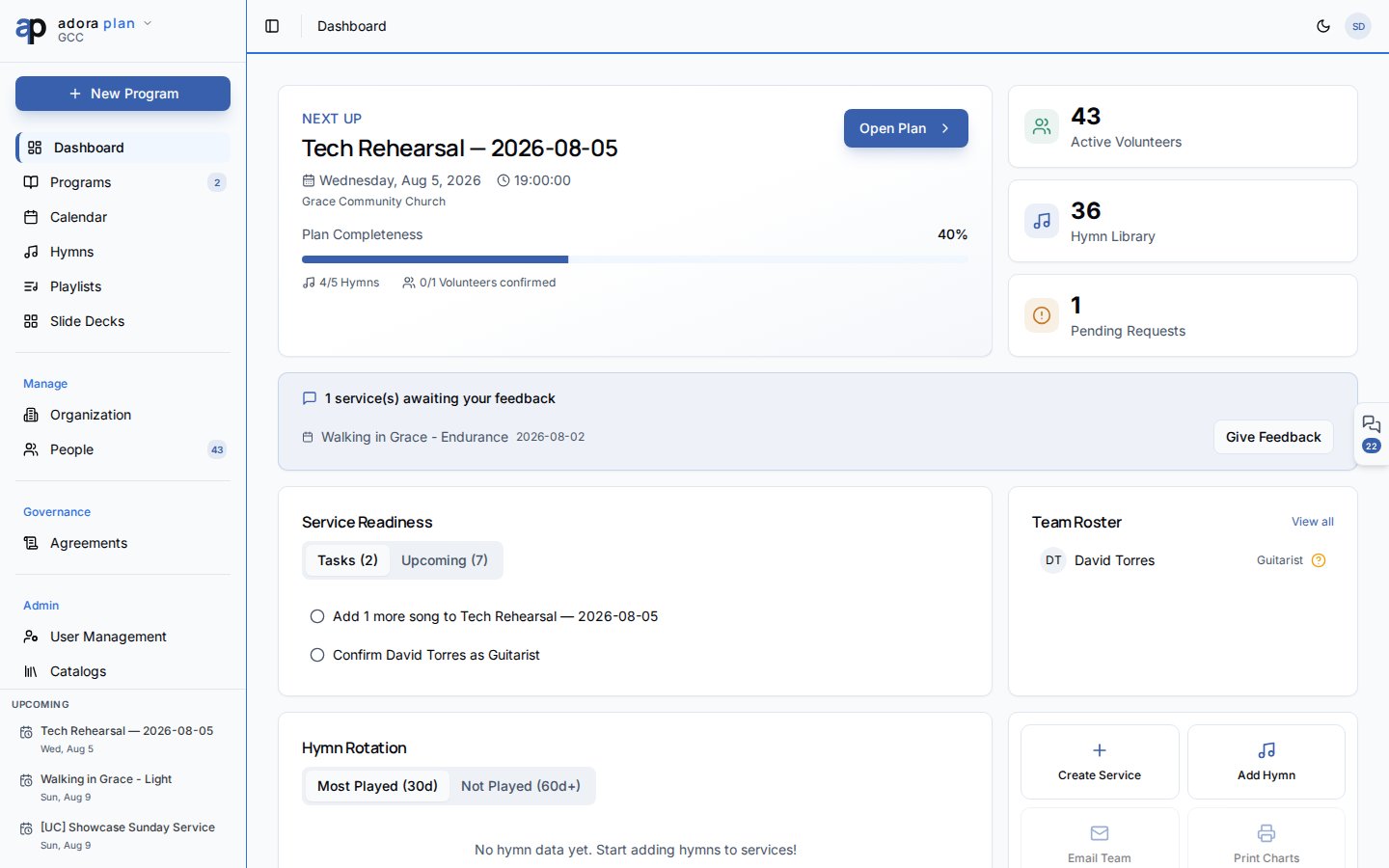
The **Collaboration** sidebar keeps worship teams in sync — human chat on each **Program**, roster approvals in **My Msgs**, and a private **Adora Assistant** channel. Open it from the floating tab on the right edge or press **⌘J** / **Ctrl+J**.
 ## Quick Start
1. Open any planning screen (for example **Programs** or **Dashboard**).
2. Click the **Collaboration** tab on the right edge — or press **⌘J** / **Ctrl+J**.
3. On **Chats**, pick your service channel or **Adora Assistant**.
4. Check **My Msgs** for roster invitations and notifications that need action.
5. Adjust chat retention under **Settings** → **Collaboration**.
***
## How-to Guide
### Open the Collaboration sidebar
## Quick Start
1. Open any planning screen (for example **Programs** or **Dashboard**).
2. Click the **Collaboration** tab on the right edge — or press **⌘J** / **Ctrl+J**.
3. On **Chats**, pick your service channel or **Adora Assistant**.
4. Check **My Msgs** for roster invitations and notifications that need action.
5. Adjust chat retention under **Settings** → **Collaboration**.
***
## How-to Guide
### Open the Collaboration sidebar
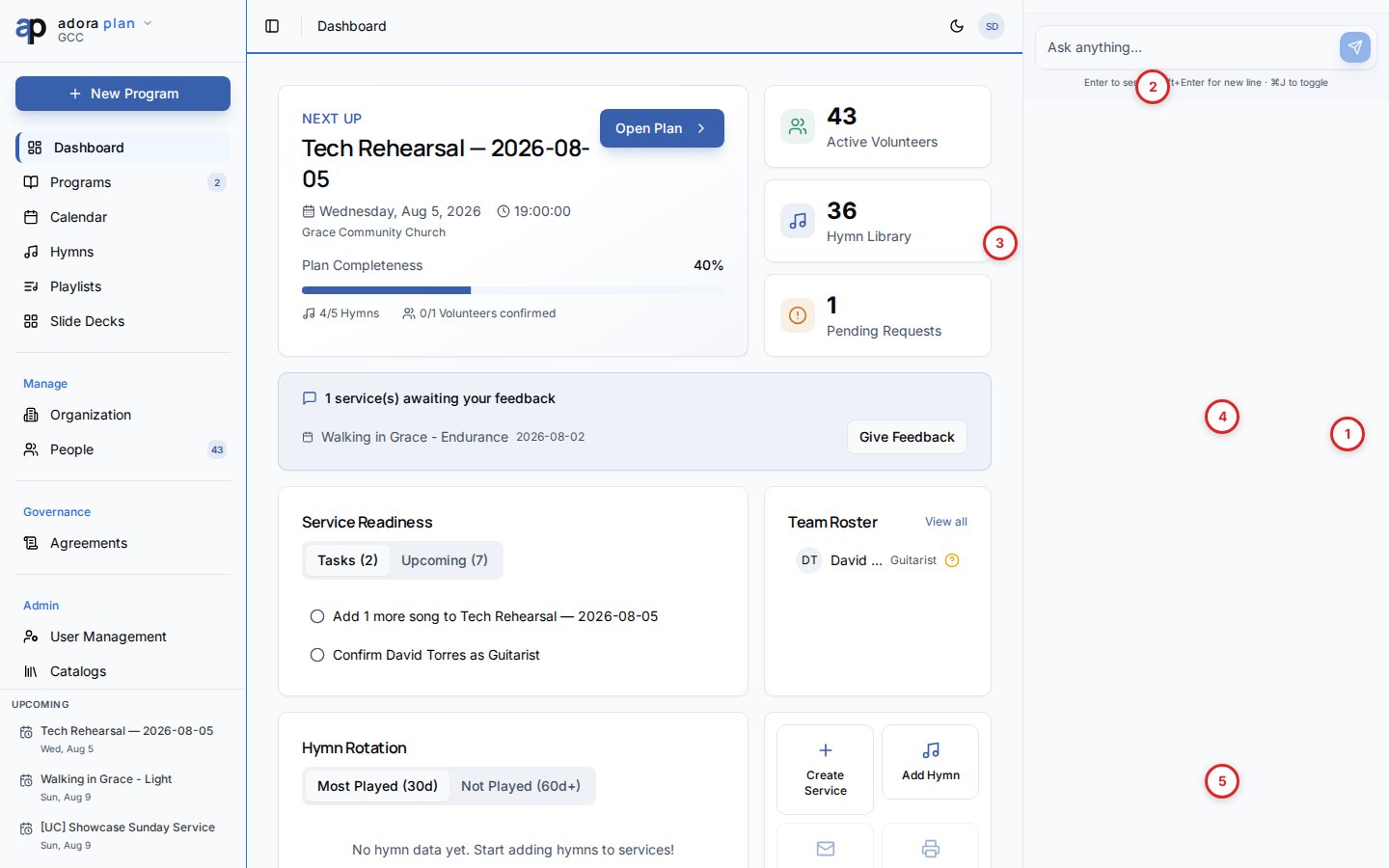 | # | Control | What it does |
| - | -------------------------------------- | ------------------------------------------------------------------------ |
| 1 | **Collaboration** edge tab | Opens and closes the sidebar (hidden while the panel is open) |
| 2 | **Chats** · **Services** · **My Msgs** | Switch between channel lists, worship services, and your action inbox |
| 3 | Channel list | Program, group, and library channels for your team |
| 4 | Message feed | Team messages, system events, and roster cards |
| 5 | Composer | Type a message; use **@** to mention someone or **@Adora Bot** (leaders) |
Click the floating **Collaboration** tab on the right, or press **⌘J** / **Ctrl+J**.
Open **Programs** → edit a service. The matching program channel is suggested automatically.
Click **Close collaboration panel** in the sidebar header. Your open/closed preference is remembered.
### Chats, Services, and My Msgs
| Tab | Best for |
| ------------ | ----------------------------------------------------------------------------- |
| **Chats** | Recent channels — program teams, group chats, hymn/playlist threads |
| **Services** | Browse channels by upcoming **Program** |
| **My Msgs** | Roster **Accept** / **Decline**, @mentions, and mirrored in-app notifications |
| # | Control | What it does |
| - | -------------------------------------- | ------------------------------------------------------------------------ |
| 1 | **Collaboration** edge tab | Opens and closes the sidebar (hidden while the panel is open) |
| 2 | **Chats** · **Services** · **My Msgs** | Switch between channel lists, worship services, and your action inbox |
| 3 | Channel list | Program, group, and library channels for your team |
| 4 | Message feed | Team messages, system events, and roster cards |
| 5 | Composer | Type a message; use **@** to mention someone or **@Adora Bot** (leaders) |
Click the floating **Collaboration** tab on the right, or press **⌘J** / **Ctrl+J**.
Open **Programs** → edit a service. The matching program channel is suggested automatically.
Click **Close collaboration panel** in the sidebar header. Your open/closed preference is remembered.
### Chats, Services, and My Msgs
| Tab | Best for |
| ------------ | ----------------------------------------------------------------------------- |
| **Chats** | Recent channels — program teams, group chats, hymn/playlist threads |
| **Services** | Browse channels by upcoming **Program** |
| **My Msgs** | Roster **Accept** / **Decline**, @mentions, and mirrored in-app notifications |
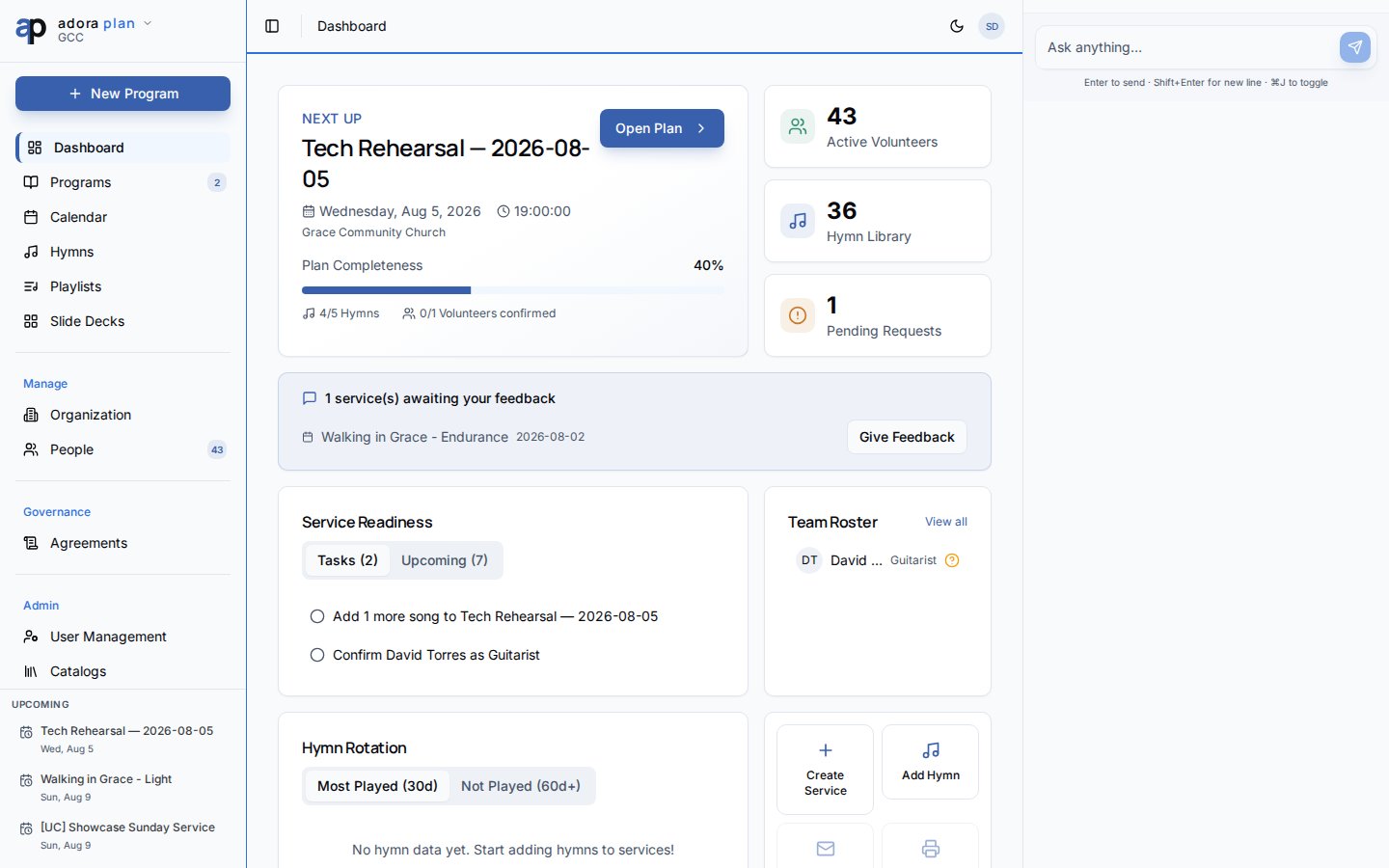 **My Msgs** replaces the old header notification bell. Email and in-app preferences still live under **Account** → **Notifications**.
### Adora Assistant
Each product (Plan, Care, Counsel) includes a private **Adora Assistant** channel — only you can see the thread. Use it for planning help without posting to the team channel.
**My Msgs** replaces the old header notification bell. Email and in-app preferences still live under **Account** → **Notifications**.
### Adora Assistant
Each product (Plan, Care, Counsel) includes a private **Adora Assistant** channel — only you can see the thread. Use it for planning help without posting to the team channel.
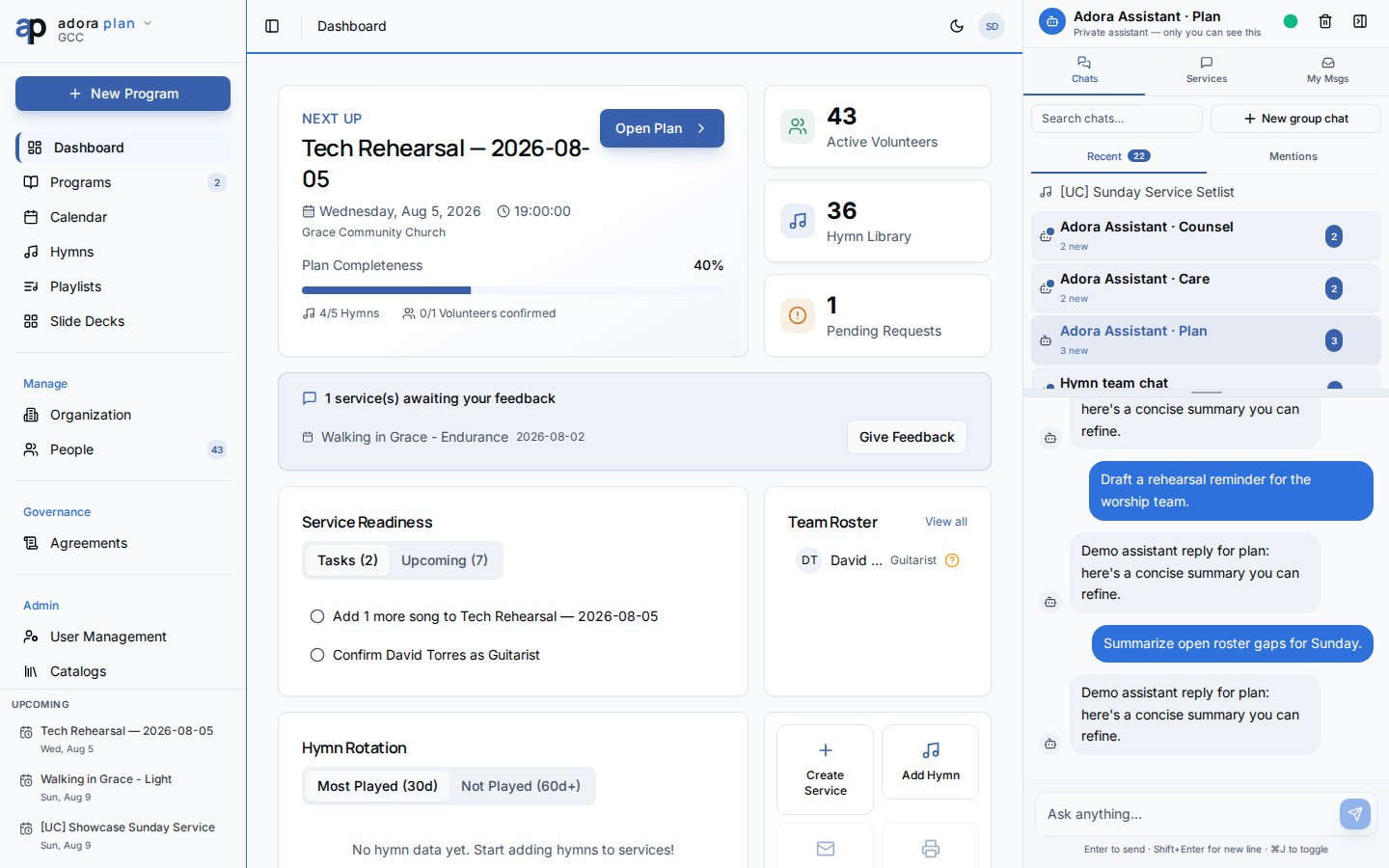 In a **Program** team channel, leaders and admins can also type **@Adora Bot** for team-visible assistant replies.
### Settings
Church owners set how long idle team channels stay open before archival.
In a **Program** team channel, leaders and admins can also type **@Adora Bot** for team-visible assistant replies.
### Settings
Church owners set how long idle team channels stay open before archival.
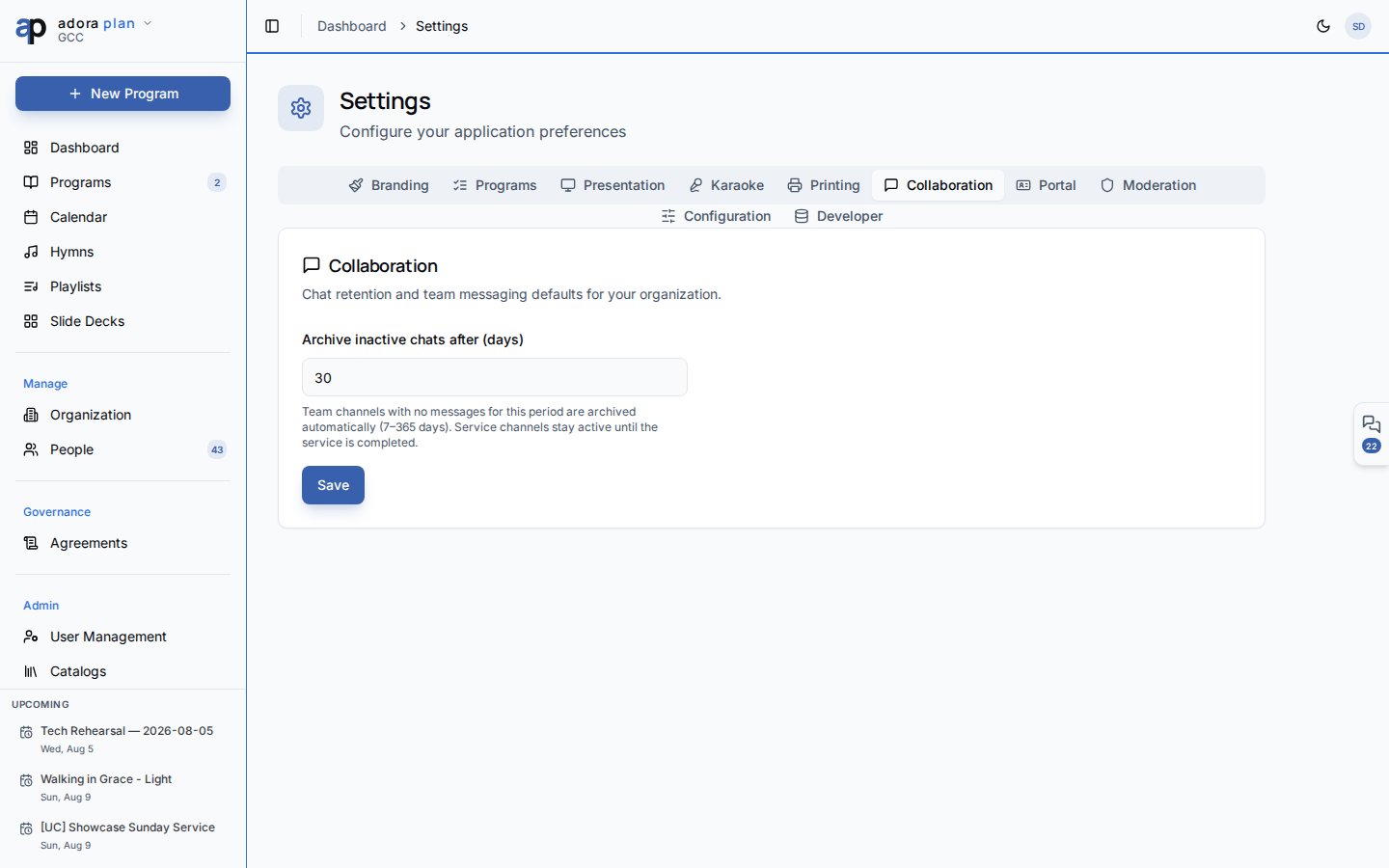 Go to **Settings** → **Collaboration** → **Archive inactive chats after (days)**. Service channels archive automatically when a **Program** is completed or cancelled.
Archived program channels are read-only. Completed services show a **Share feedback** prompt in the channel.
***
## Related
Each **Program** gets a team channel when created.
Roster invitations surface in **My Msgs**.
Email and in-app delivery preferences.
**Collaborators** synced to program channel membership.
Go to **Settings** → **Collaboration** → **Archive inactive chats after (days)**. Service channels archive automatically when a **Program** is completed or cancelled.
Archived program channels are read-only. Completed services show a **Share feedback** prompt in the channel.
***
## Related
Each **Program** gets a team channel when created.
Roster invitations surface in **My Msgs**.
Email and in-app delivery preferences.
**Collaborators** synced to program channel membership.