

Quick Start
- Adopt a listing from Discover after you tick the license acknowledgement.
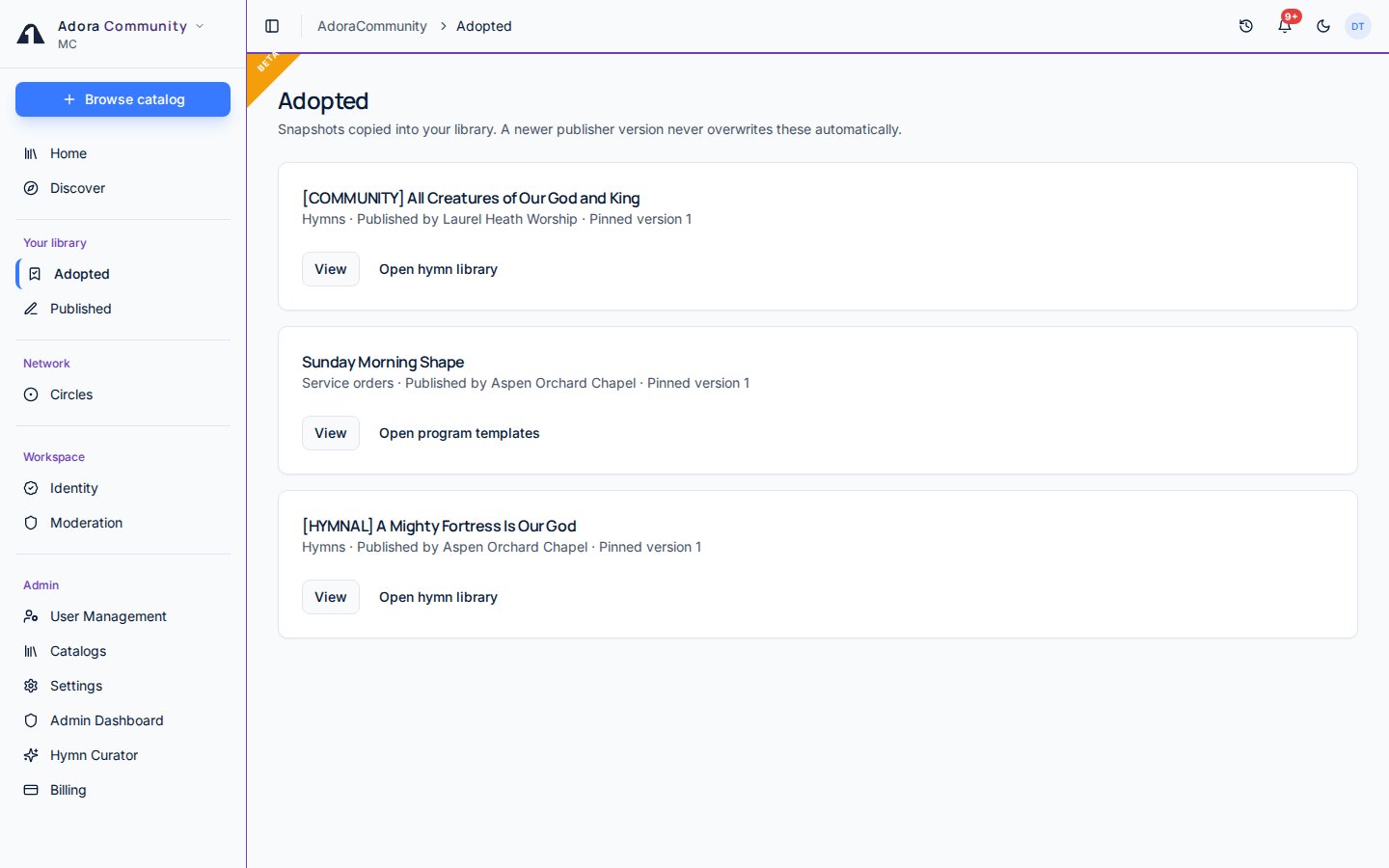
- Open Community → Adopted.
- Open the matching library: hymns, program templates, playlists, or slide decks.
- For a service order, Open program templates starts a new program on the Templates tab.
How-to Guide
Use an adopted item
1
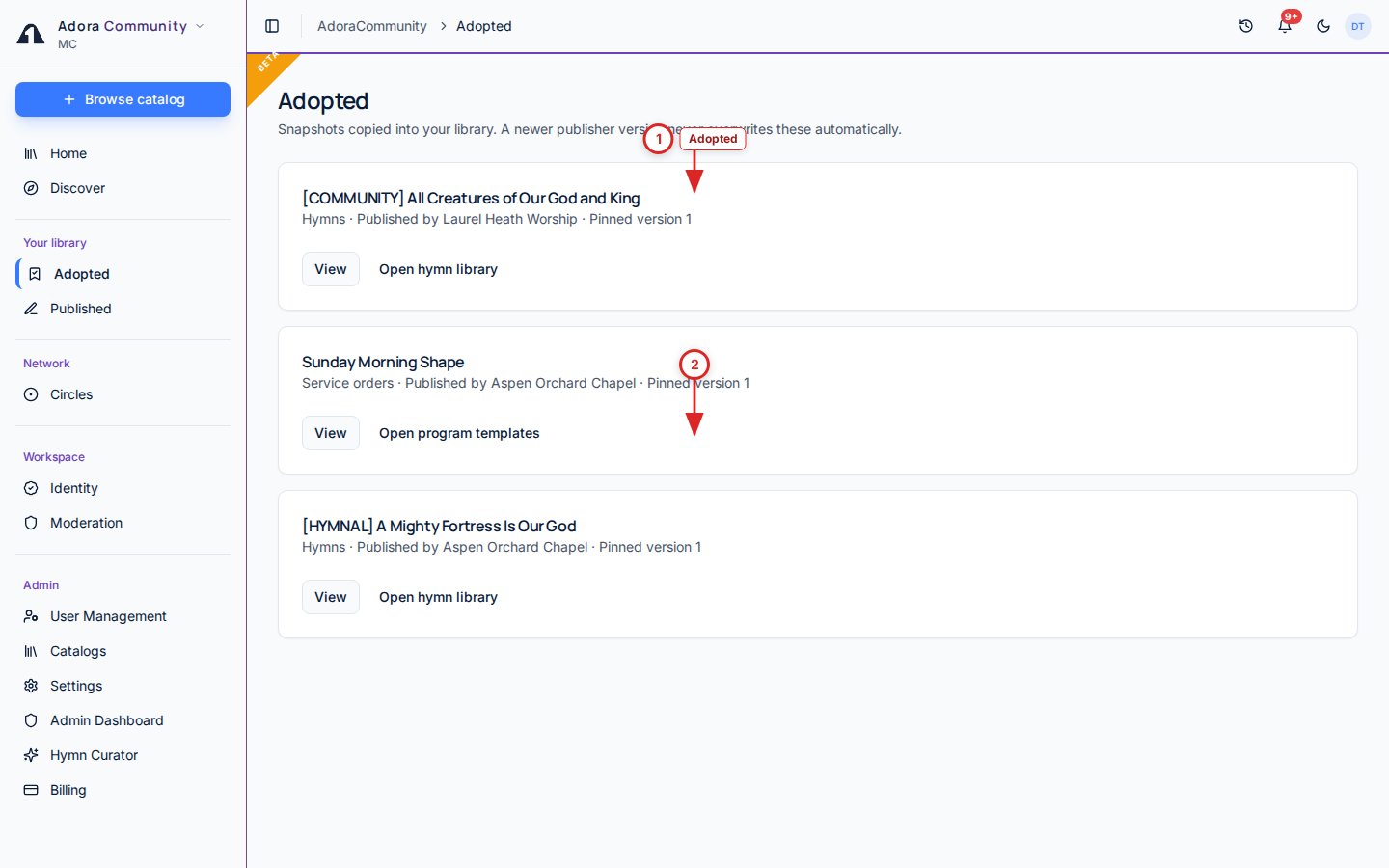
Open the copy
Hymns land in the hymn library. Playlists and slide decks land in those libraries. Service orders become templates you start from Programs.
2
Updates stay optional
If the publisher lists a new version, Update available appears here. Your copy is unchanged until you choose to adopt the new snapshot.
3
Delist does not delete copies
If the publisher delists the item, or a report takes it down, copies you already adopted stay in your library.
Related
Discover
Browse and adopt listings.
Published
Items your church listed in the catalog.