

Quick Start
- A tenant admin must join Identity first.
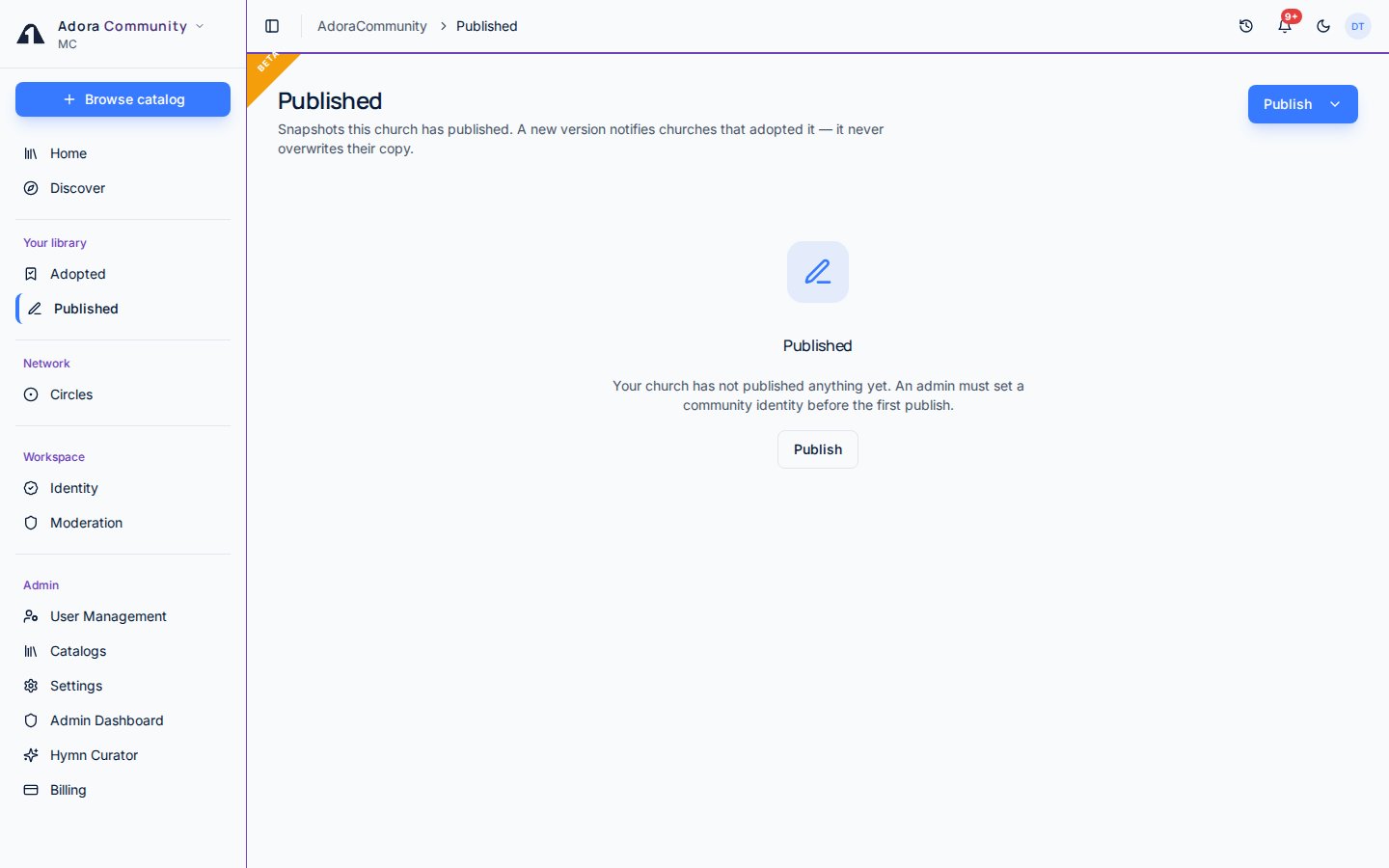
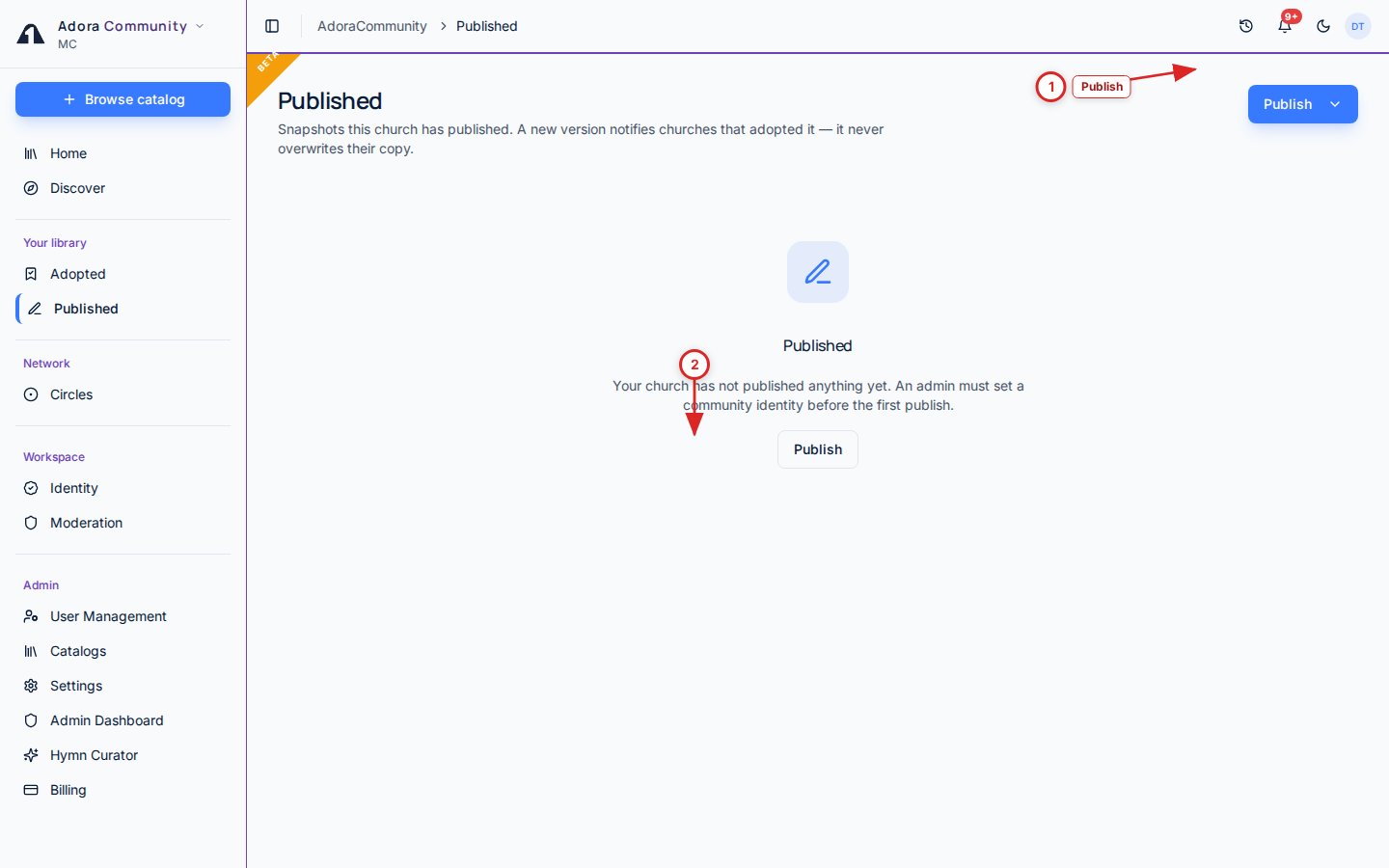
- Open Community → Published.
- Click Publish and pick a kind: hymn, service order, playlist, or slide deck.
- Choose who can discover it (Circles, All members, or Private), pick a license class, and tick the attestation.
- Delist hides the listing from Discover. Copies other churches already adopted stay in their libraries.
How-to Guide
Publish a snapshot
1
Pick a kind
Publish opens a split menu. Hymns come from My Hymns. Service orders come from saved templates. Playlists and slide decks come from those libraries. You cannot publish an item you adopted from someone else.
2
Choose reach and license
Circles keeps the listing inside networks you belong to (the default when you have one). All members lists it in the whole catalog. Private stays in your church only. Pick a license class (public domain, CCLI, original work, or permission granted) and tick the attestation.
3
What is stripped
Service-order song slots keep titles and CCLI numbers — team and song IDs are removed. Playlists share titles and CCLI, not song UUIDs. Slide decks drop media URLs. Republishing creates a new version.
Related
Identity
Required before anyone in the church can publish.
Discover
Where other churches find what you listed.
Circles
Limit reach to a trusted network.
Adopted
Snapshots you copied from other churches.