

Quick Start
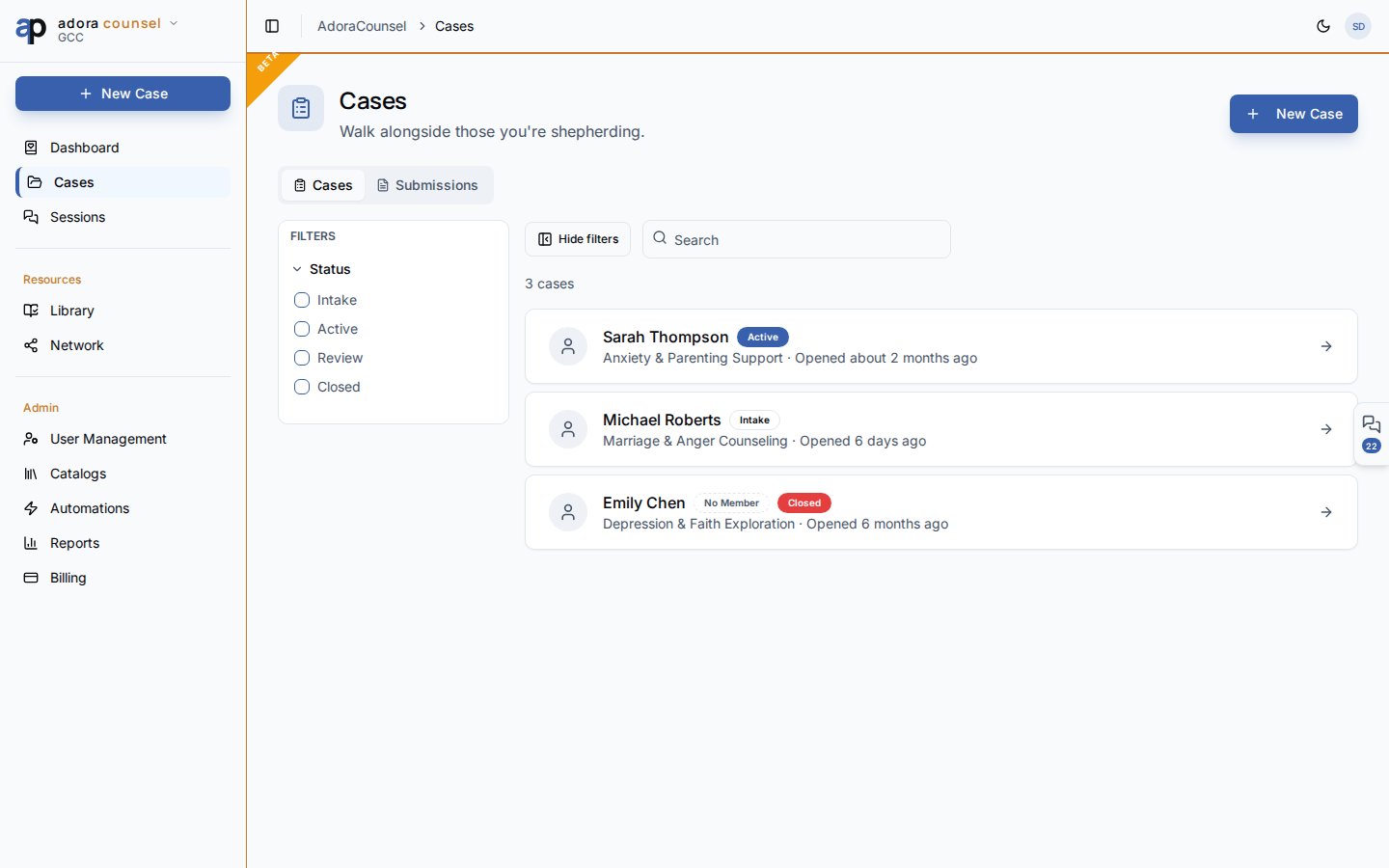
- Open Counsel → Cases.
- Search by counselee name or case title.
- Filter by Status: Intake, Active, Review, Closed.
- Click Create → New Case to open a case manually.
- Open a row to view counselee profile, sessions, and close-case workflow.
How-to Guide
Cases tab
Each card shows:Case detail
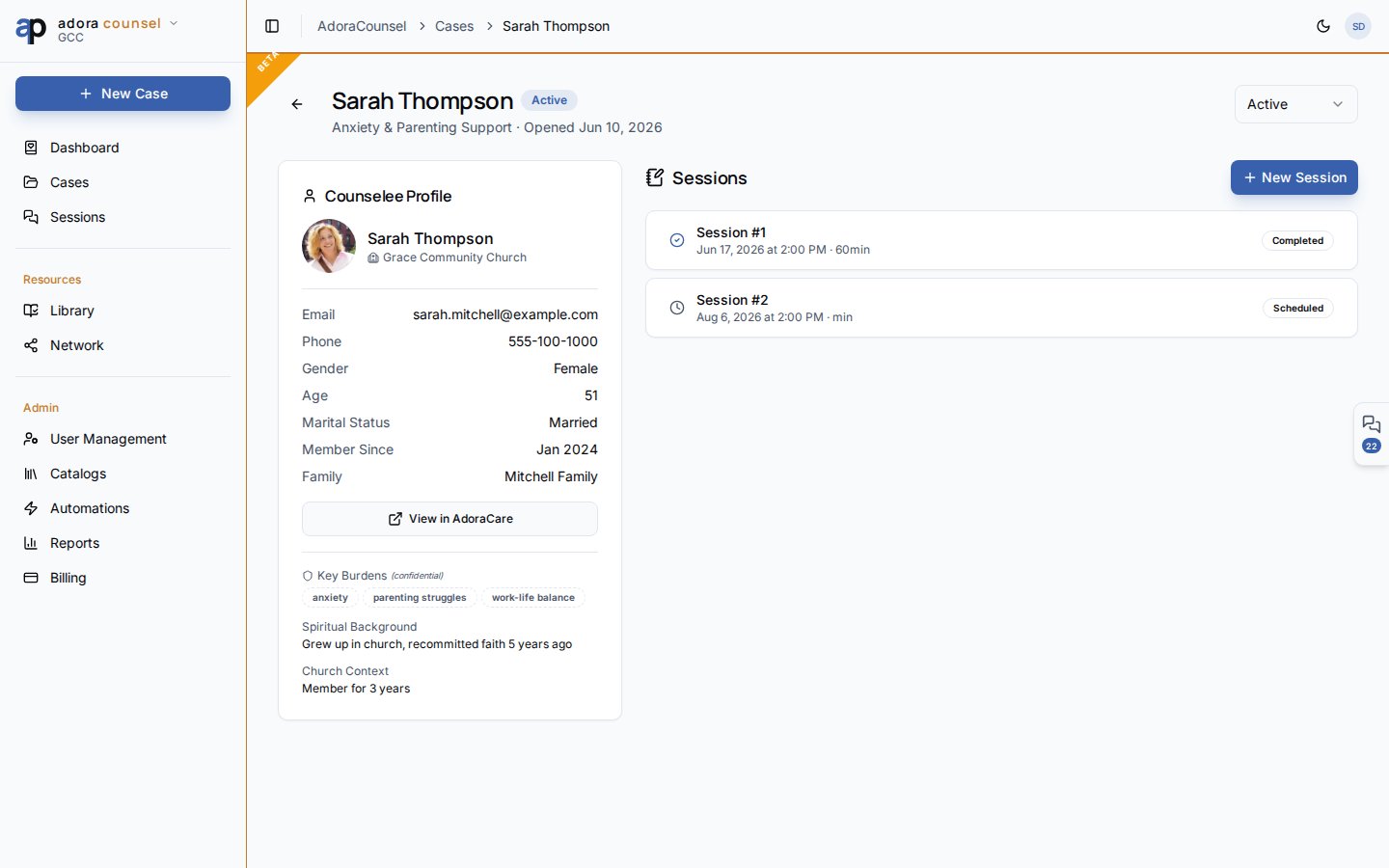
- View Counselee profile (demographics, church, family links)
- Change Status from the header dropdown
- Schedule sessions via New Session
- Jump to the Session desk for any meeting
- Close case with resolution notes and optional pastoral note bridge
Submissions tab
The Submissions tab lists public Intake form responses awaiting review. Approve to create a case and counselee, or reject with notes.1
Create or receive
Add a case manually, convert from a Care Request, or approve an intake submission.
2
Move to active
Set status Active when regular sessions begin.
3
Close with care
Use Close Case to record resolution; optionally create a pastoral note for ongoing care visibility.
Related
Sessions
Per-meeting notes and homework on each case.
Intake
Public form that feeds the Submissions tab.
Care Requests
Escalate operational care needs into a formal case.