

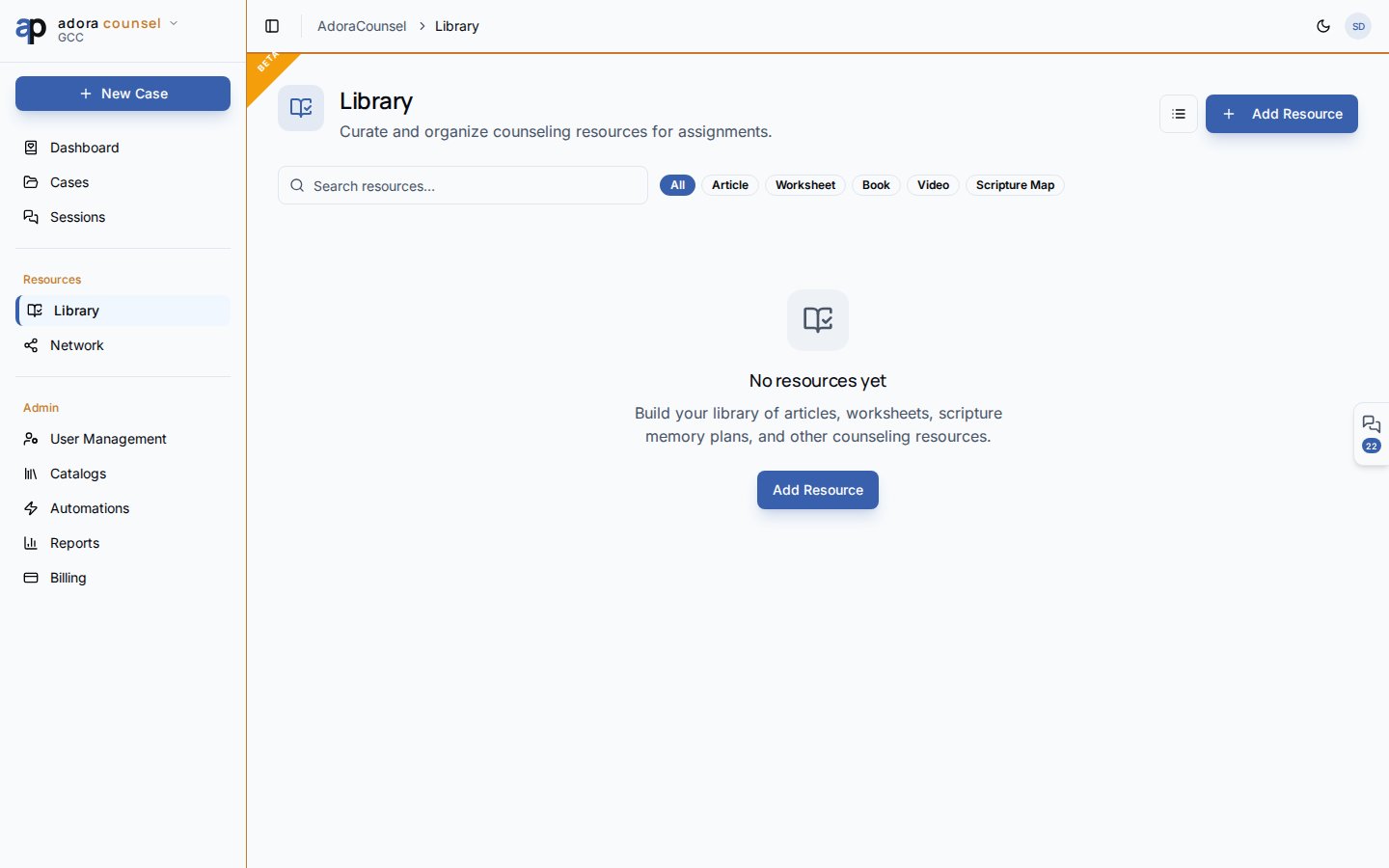
Quick Start
- Open Counsel → Library.
- Click Add Resource to catalog a new item.
- Filter by type: Article, Worksheet, Book, Video, Scripture map.
- Search by title, author, topic, or passage reference.
- Open a card for details, or Share to the counselor network.
How-to Guide
Resource types
Add a resource
1
Open Add Resource
Enter title, type, and optional author, description, URL, topic, and passage reference.
2
Tag and organize
Add tags for faster search; set estimated read time when helpful.
3
Use in sessions
Reference resources from the session desk or assign as homework blocks.
Share to Commonplace
From a resource card, Share publishes to/counsel/commonplace — the counselor network feed where peers can save items to their own library. Choose organization-only or public visibility.
Grid vs. list
Toggle Grid / List in the header for browsing preference. Type filter chips narrow results without losing search.Related
Sessions
Attach homework and scripture during meetings.
AdoraCounsel Overview
Module navigation and counselor setup.