

Quick Start
- Open Counsel in the product switcher (requires AdoraCounsel on your plan).
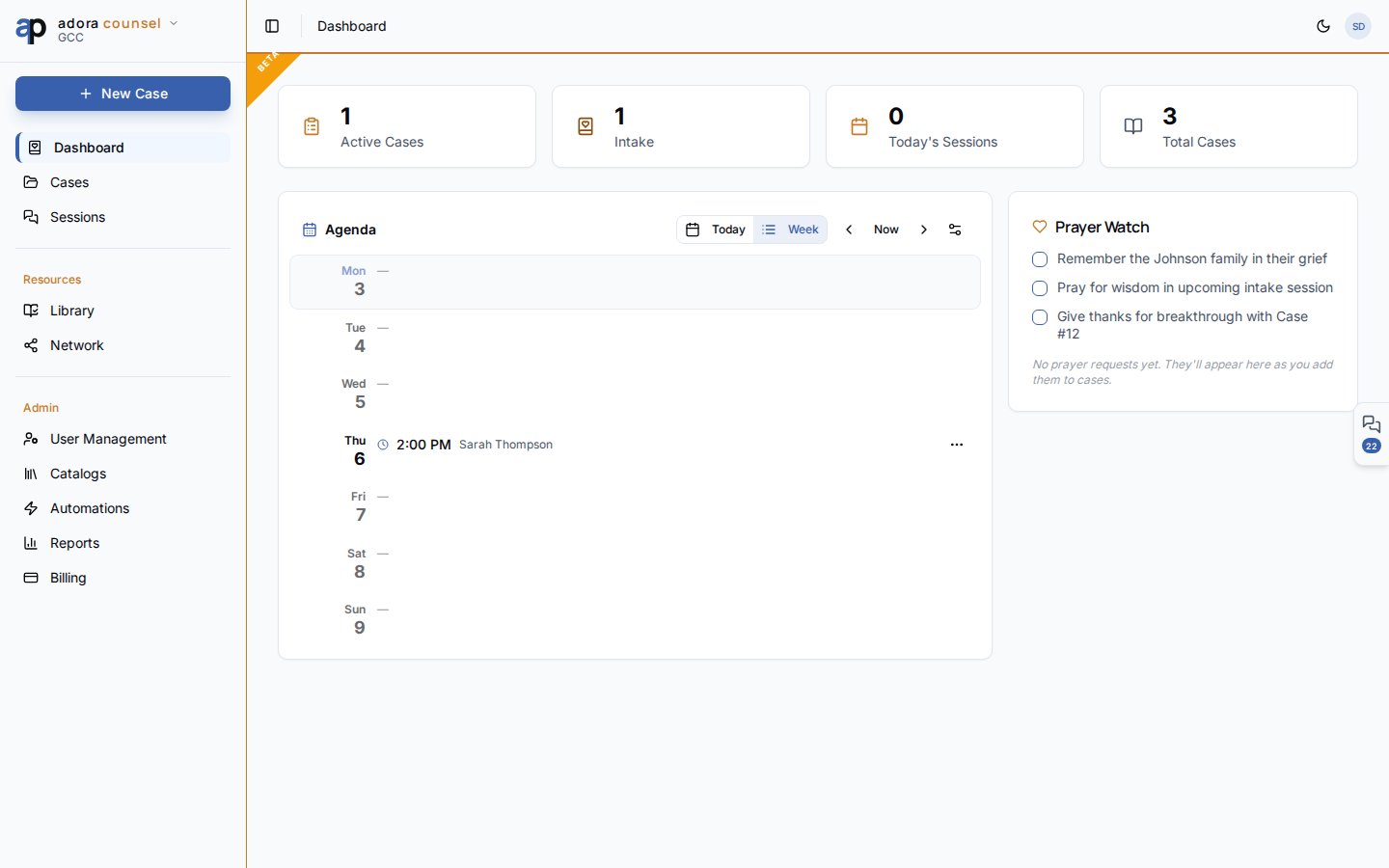
- Review dashboard stats: Active cases, Intake, Today’s meetings, Total cases.
- Use the Agenda to see this week’s sessions and availability.
- Go to Cases to open or create a counseling case.
- Run sessions from Sessions or jump in from a case detail page.
How-to Guide
Dashboard layout
The agenda is the same component documented in Agenda — it reads your counselor profile availability and scheduled sessions.
Counselor profile
Before scheduling, ensure your user has a counselor profile on the tenant. The agenda and session assignment flows use this record for availability and ownership.Product boundaries
Related
Cases
Case list, status workflow, and intake submissions.
Sessions
Session desk with rich notes and homework.
Intake
Public pre-counseling questionnaire.
Resource Library
Articles, worksheets, and scripture maps.