

Quick Start
- Set your church short name slug (same as visitor registration).
- Share the public URL:
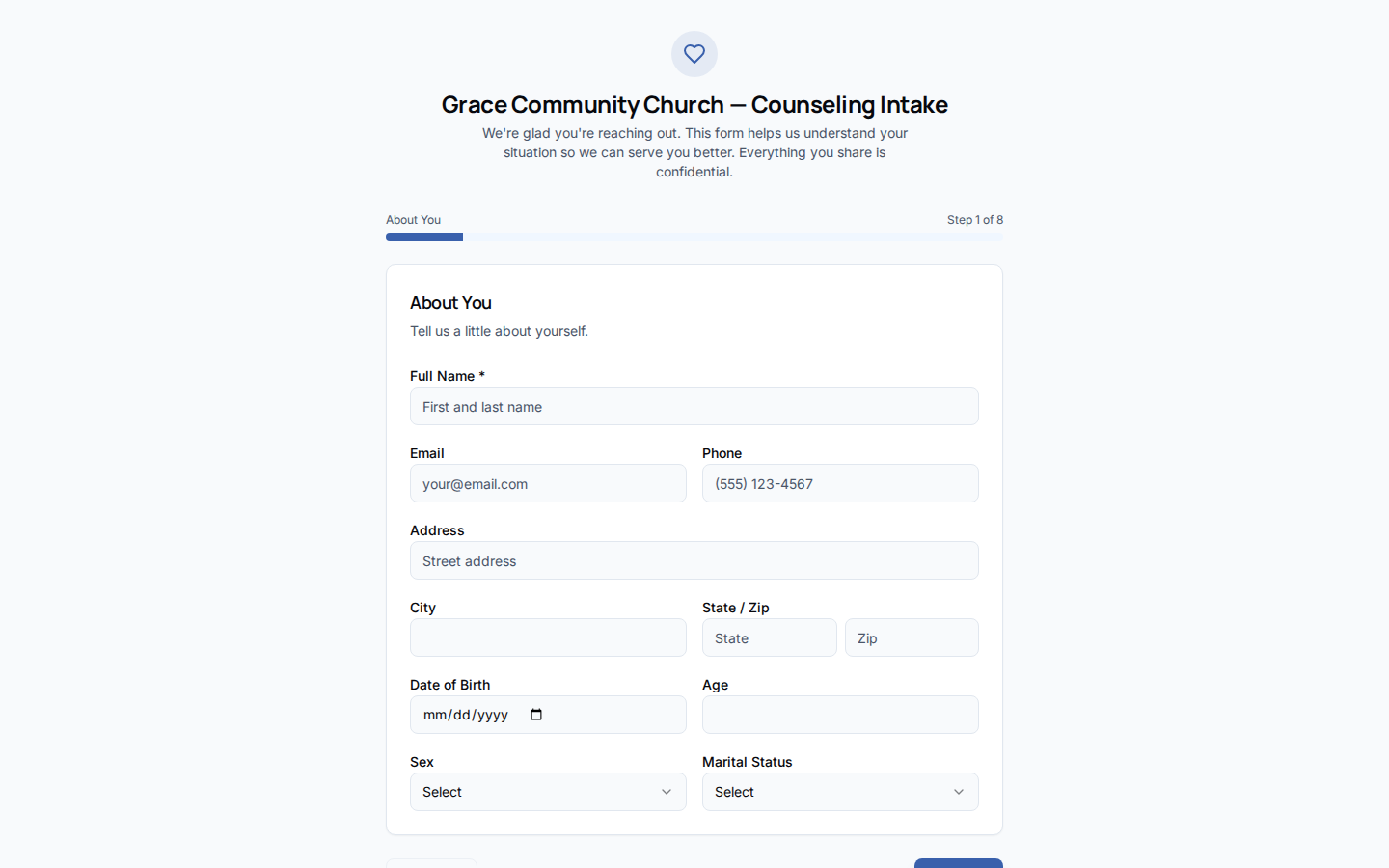
/counsel/intake/{church-short-name}. - Counselees complete eight steps at their own pace (draft autosaves in browser).
- On submit, the response lands in Cases → Submissions.
- Approve to create a Case and Counselee record.
How-to Guide
Public URL
Eight steps
Progress is saved to
localStorage per slug so applicants can return later.
Staff review
1
Submission arrives
counsel-intake-submit edge function stores the payload and optional PDF in private storage.2
Review in Cases
Open Cases → Submissions, read the full response.
3
Approve or reject
Approval creates case + counselee; rejection archives with reason.
Related
Cases
Submissions tab and case creation workflow.
AdoraCounsel Overview
Dashboard and counselor setup.
Visitor Registration
Similar public slug pattern for the member portal.