

Quick Start
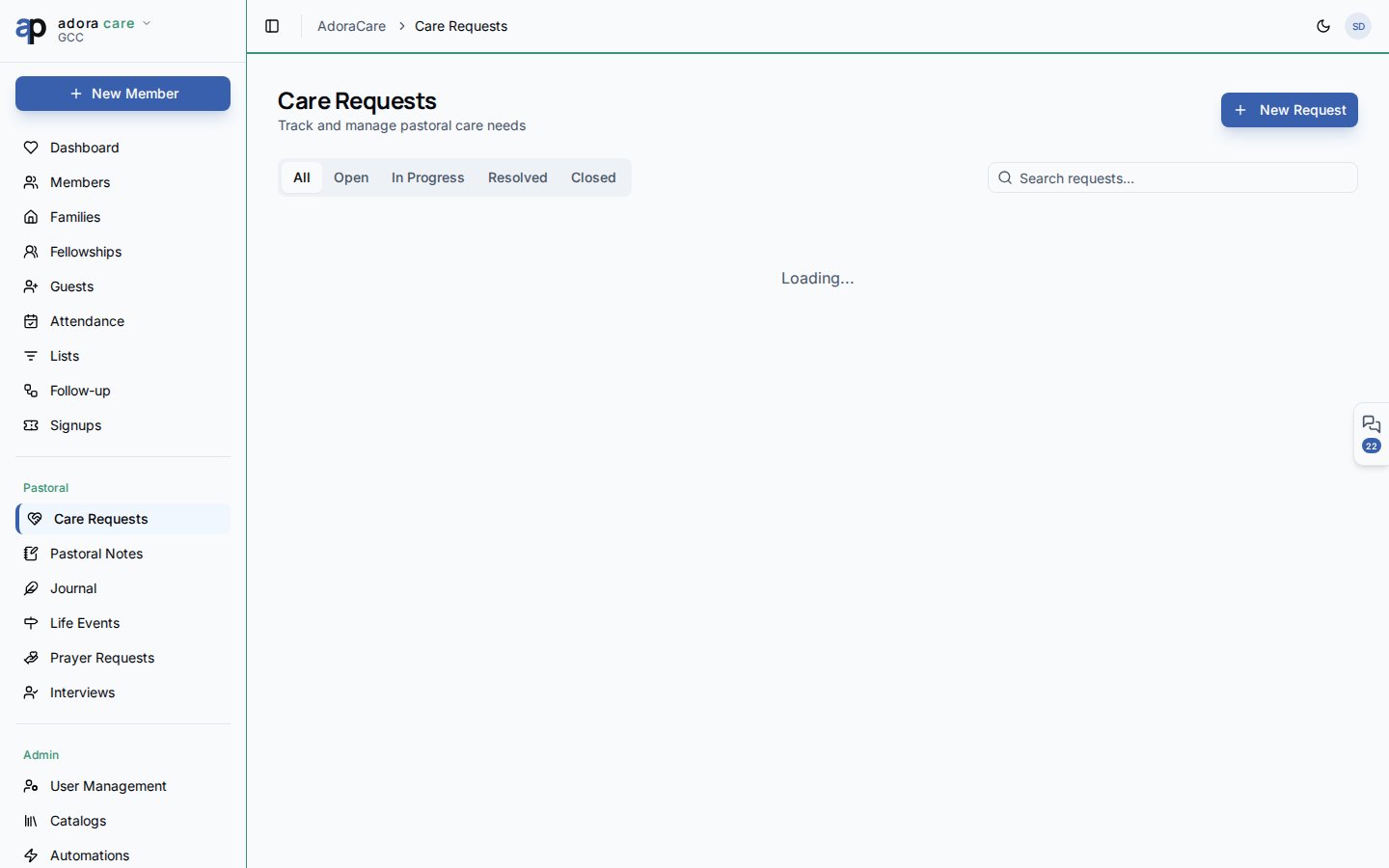
- Open Care → Care Requests.
- Scan stat cards for open, in-progress, and resolved counts.
- Use status tabs (All, Open, In Progress, Resolved, Closed) to focus the board.
- Click New Care Request to log a need tied to a member.
- Update status inline as your team responds.
How-to Guide
Request card fields
Search filters across title, description, member name, and who submitted the request.
Status workflow
1
Open
New request logged; awaiting assignment or first contact.
2
In progress
A care minister or deacon is actively helping.
3
Resolved
Need met;
resolved_at timestamp recorded automatically.4
Closed
Archived when no further action is required.
Escalate to AdoraCounsel
When a need requires formal counseling, use Create Counsel Case on a request card. The dialog pre-fills member context so the handoff stays confidential and traceable.Related
Pastoral Notes
Confidential notes separate from operational care tickets.
Prayer Dashboard
Spiritual support alongside practical care.
Members
Member profiles show linked care activity.