

Quick Start
- Enable Serving Schedule under Settings → Portal.
- Staff rosters members on programs in AdoraPlan → Roster.
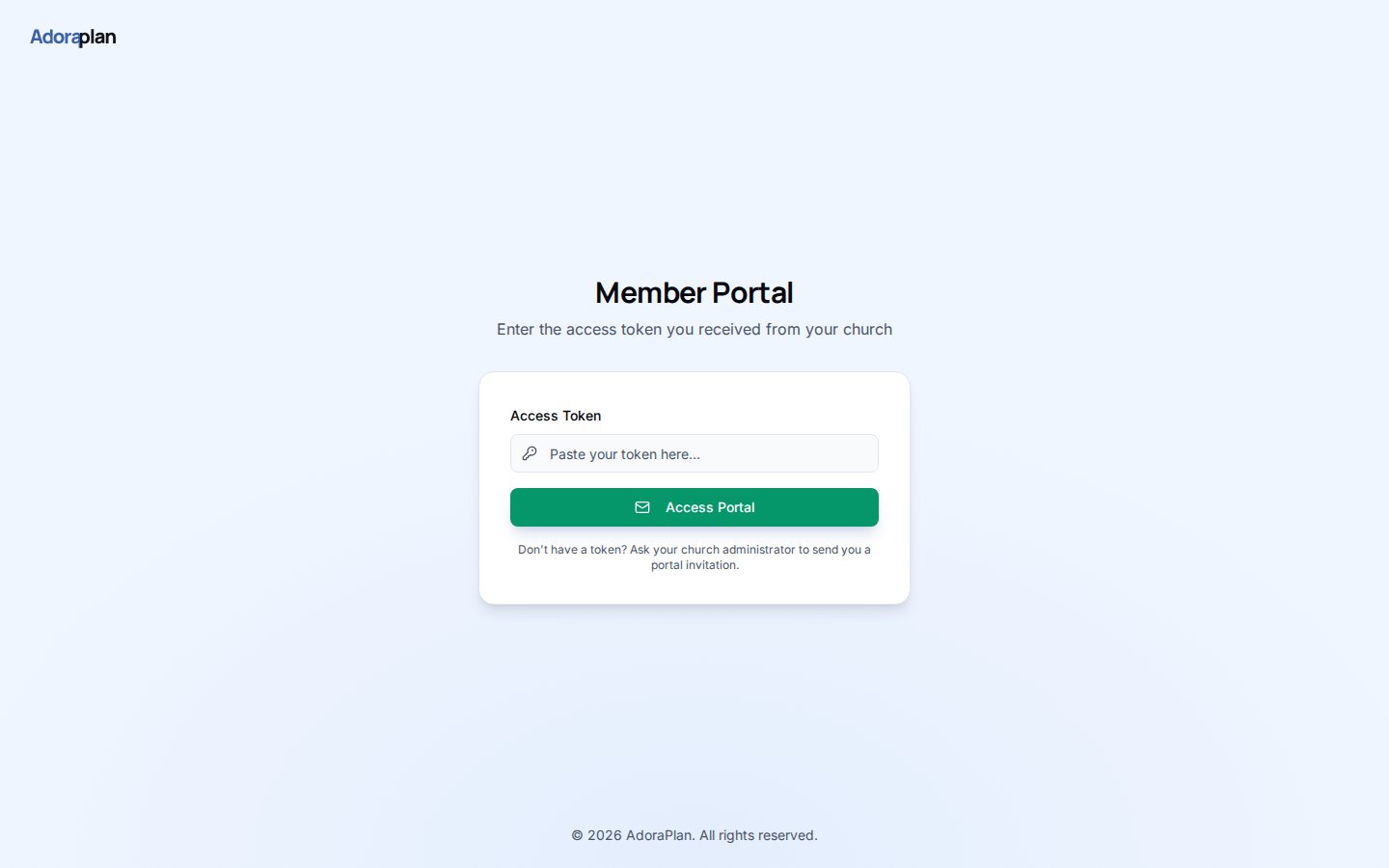
- Members sign into the portal and open Serving.
- They review upcoming roles and dates.
- Status badges reflect Confirmed, Pending, or Declined from roster data.
How-to Guide
Assignment card
Each row shows:How data stays in sync
Portal serving pulls from the same roster assignments your worship team manages in AdoraPlan. When admins update a slot on the program People → Roster tab, the portal view updates on next load.Related
Roster
Staff-side rostering that feeds portal serving.
Member Portal
Portal login and feature flags.
Programs
Service programs tied to assignments.