

Quick Start
- Set your church Portal URL (short name) under Settings → Portal — required for public links.
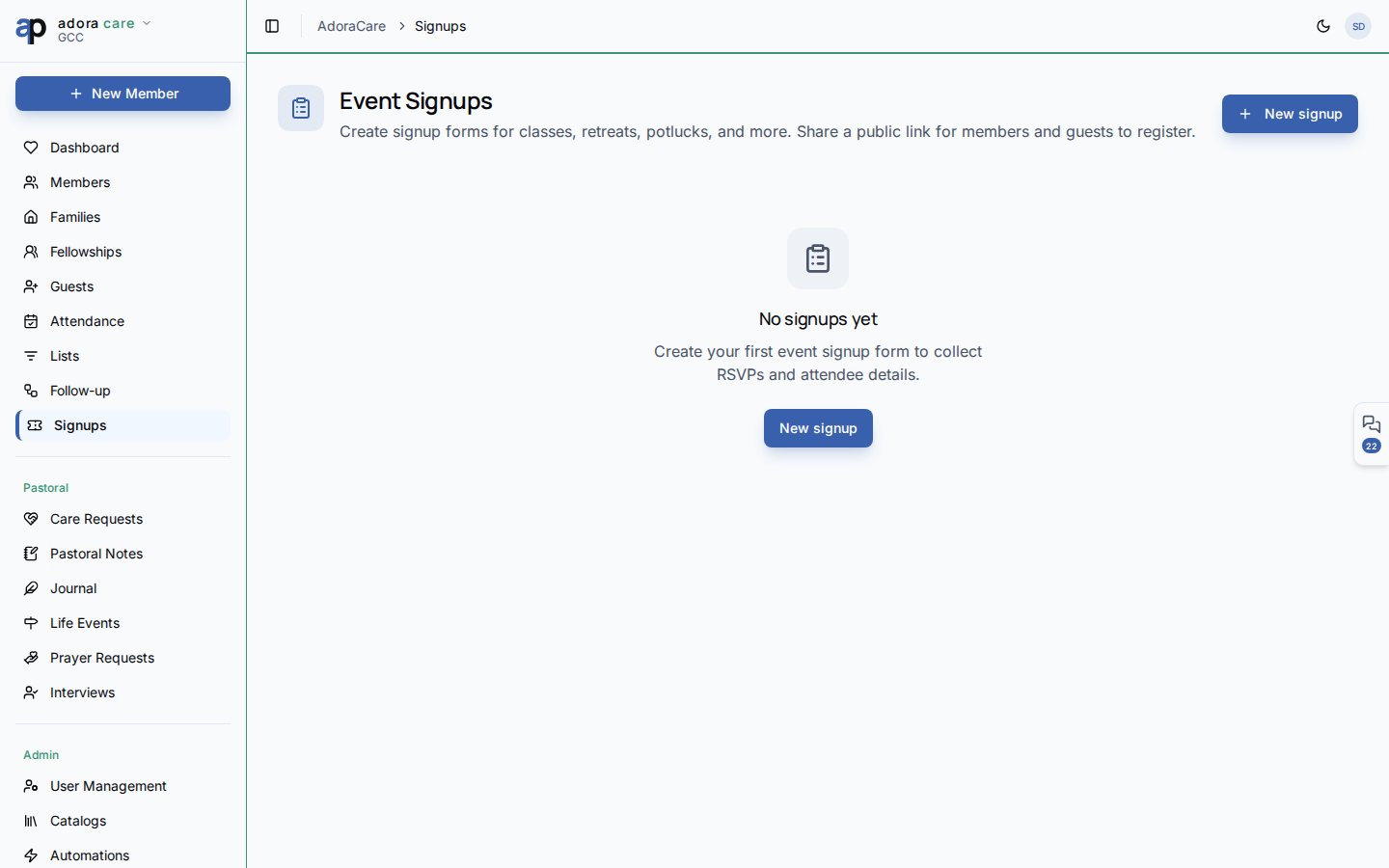
- Open AdoraCare → Event Signups.
- Click New signup and complete the Basics, Schedule, Registration, and Payments tabs.
- Publish the event and copy the public link.
- Review registrations on the event detail page; promote waitlisted guests or record payments.
How-to Guide
Event Signups vs. Portal Events
Create a signup event
1
Open Event Signups
Go to AdoraCare → Event Signups in the sidebar.
2
New signup
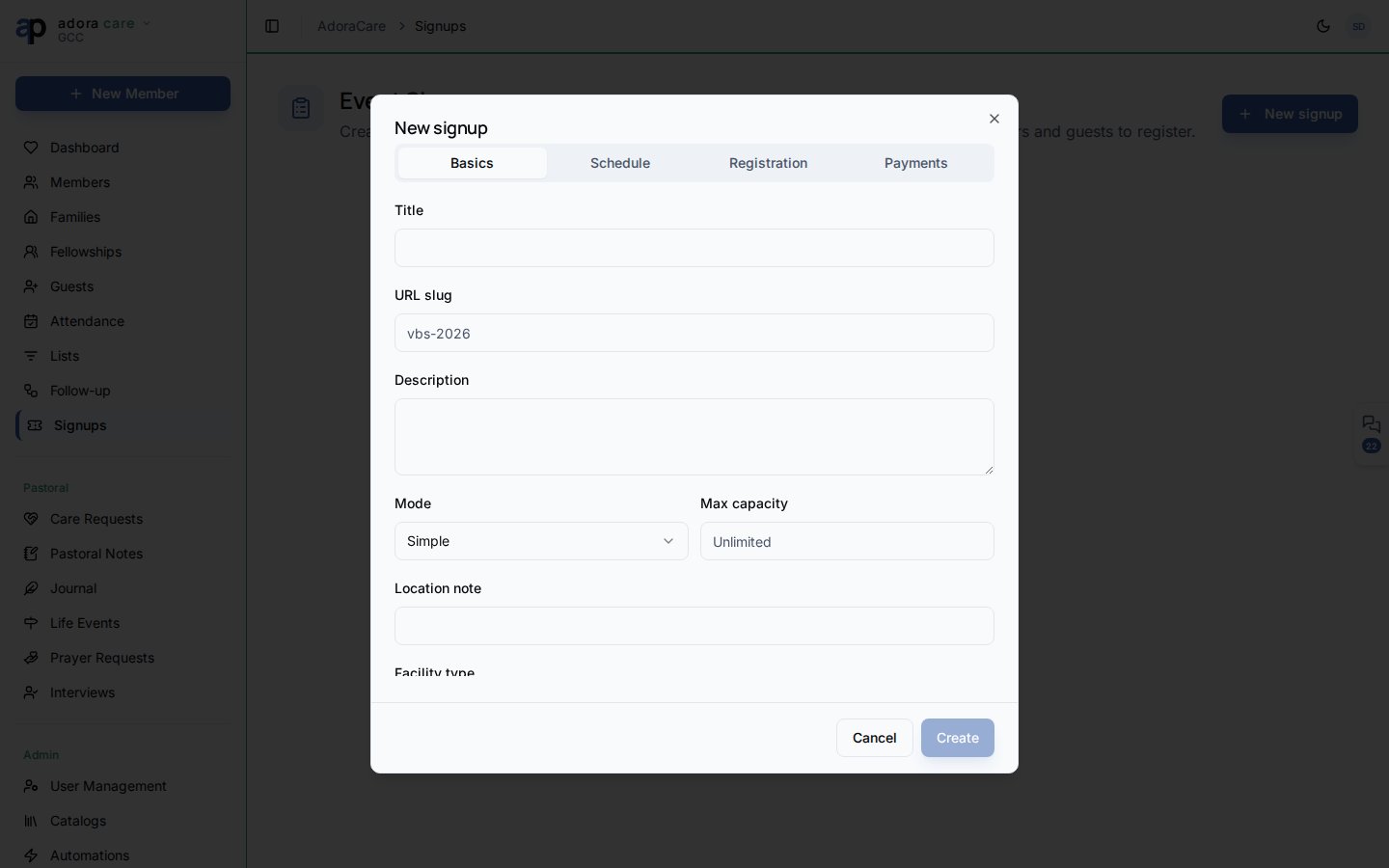
Click New signup. Choose Simple (headcount) or Detailed (per-attendee types, sessions, custom questions).
3
Basics
Set title, description, slug (used in the public URL), and optional location note.
4
Schedule
Pick the event date. The mini calendar shows other signups so you avoid double-booking rooms mentally.
5
Registration
Configure capacity, waitlist, anonymous signups, email verification (OTP), and household registration (detailed mode).
6
Payments
Set currency, default amount, deposit rules, external payment link, scholarship requests, and discount codes (detailed events).
7
Publish
Save, then toggle Published when ready to share.
Share the public link
Public URL pattern:Manage registrations
Open an event from the list to manage:
Duplicate copies an event to a new season — adjust title, slug, and dates before publishing again.
Simple vs. detailed mode
Detailed events support multiple selection types (e.g., “Child — $50”, “Volunteer — free”), sessions (morning vs. afternoon), file uploads on custom questions, and household registration (register multiple family members in one submission).
Payments and reminders
Event Signups uses a manual payment ledger in v1 — record cash, check, or external processor payments on the Payments tab. Registrants can see balance due on the confirmation screen when an external payment link is configured. A daily cron sends balance reminders for registrations with outstanding balances (when enabled in your environment).Related
Portal — Events
One-tap RSVP for portal members on attendance events.
Portal — Security
Portal URL short name and feature toggles.
Guest Pipeline
Follow up with first-time guests after events.
Roster
Volunteer scheduling (separate from event registration).