

Quick Start
- Ensure Family Management is enabled under Settings → Portal.
- Link members to a Family record in AdoraCare (staff side).
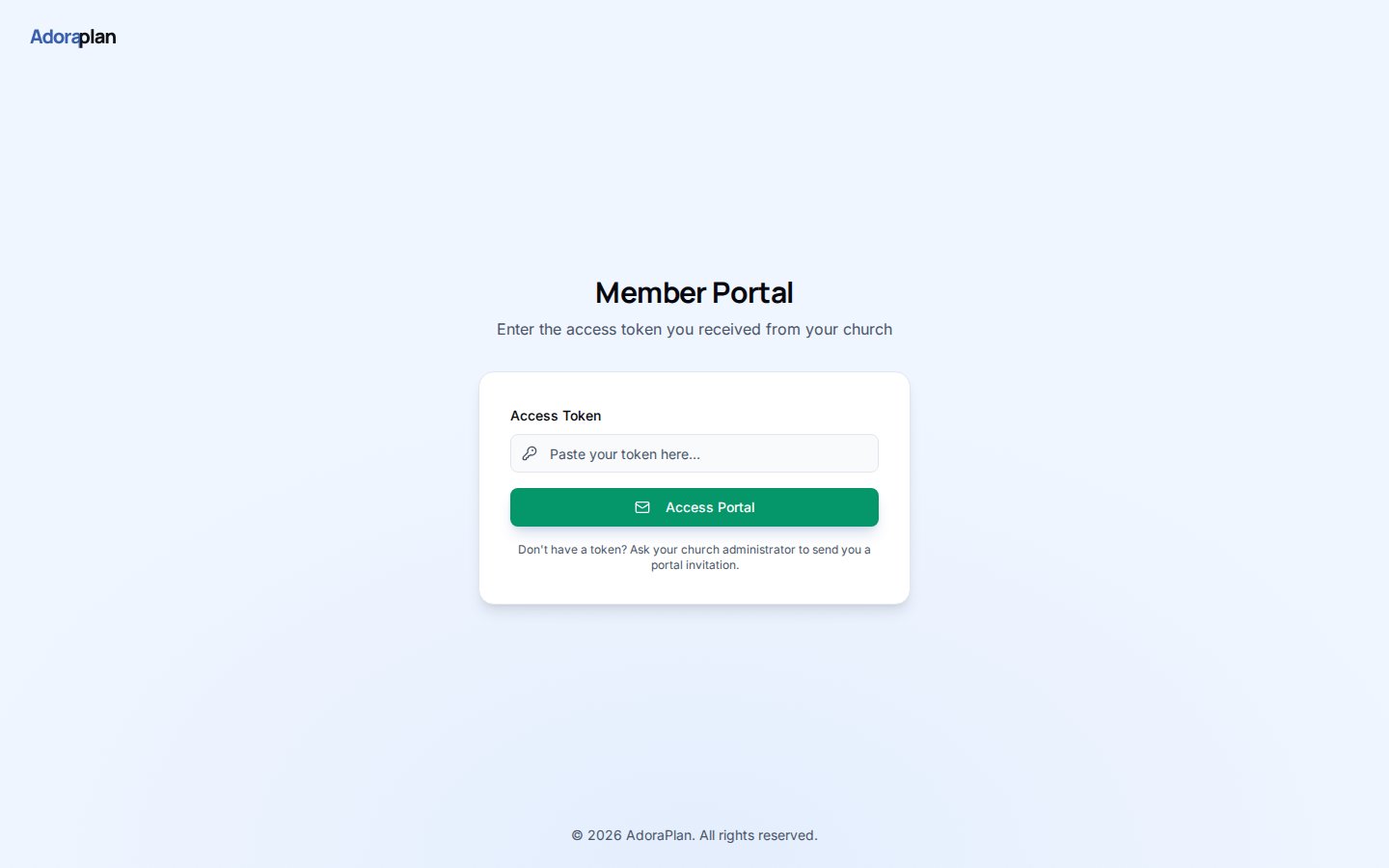
- Members sign in with their portal token and open Family in the portal nav.
- They see each household they belong to and member roles.
- Contact changes still happen on Profile — family view is informational.
How-to Guide
What members see
For each household card:
If a member is not linked to any family, the page explains that no household is on file and suggests contacting the church office.
Staff responsibilities
Members cannot edit family structure in the portal. Care admins:- Create or update Families in AdoraCare
- Assign roles and primary contact
- Keep addresses current for map-based care planning
Related
Families
Staff-side household management.
Member Portal
Portal login and navigation overview.
Members
Individual profiles linked to family roles.